
Work locations with a geofence
Mark each branch on the map with a radius. Check-ins are only accepted from inside it.
Attendance software lets employees check in and out from the app inside the work location you define, while managers see who is in and who is late as it happens. Lateness, early leave and overtime are calculated automatically and turned into reports you can export.
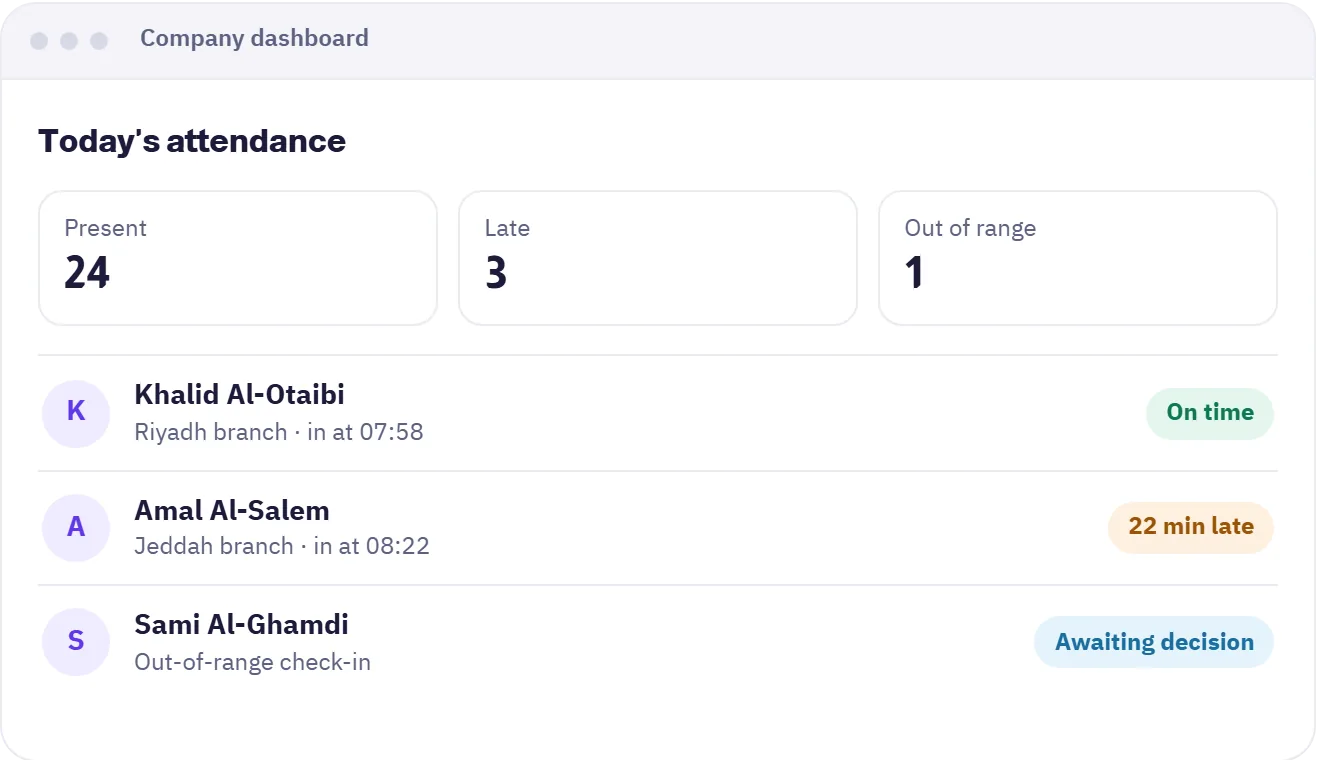

Mark each branch on the map with a radius. Check-ins are only accepted from inside it.
Reduces check-ins made on someone else's behalf. Manage each employee's registered devices from the dashboard.
For work outside the office, location tracking is requested from the employee and points are stored only if they agree.
Ask employees to confirm they are on site during a shift, and set patrol rounds for places that need follow-up.
Employees send a request from the app and it follows the approval route you set.
Minutes are calculated for you, working hours drop in Ramadan where they apply, and dates show in Hijri and Gregorian.
Add work locations with their geofence and link them to employee shifts.
They tap check-in and the system verifies their location and today's shift.
See who is in and who is late live, and export attendance reports to Excel or PDF.
The company dashboard for managers and HR, and the mobile app for employees.
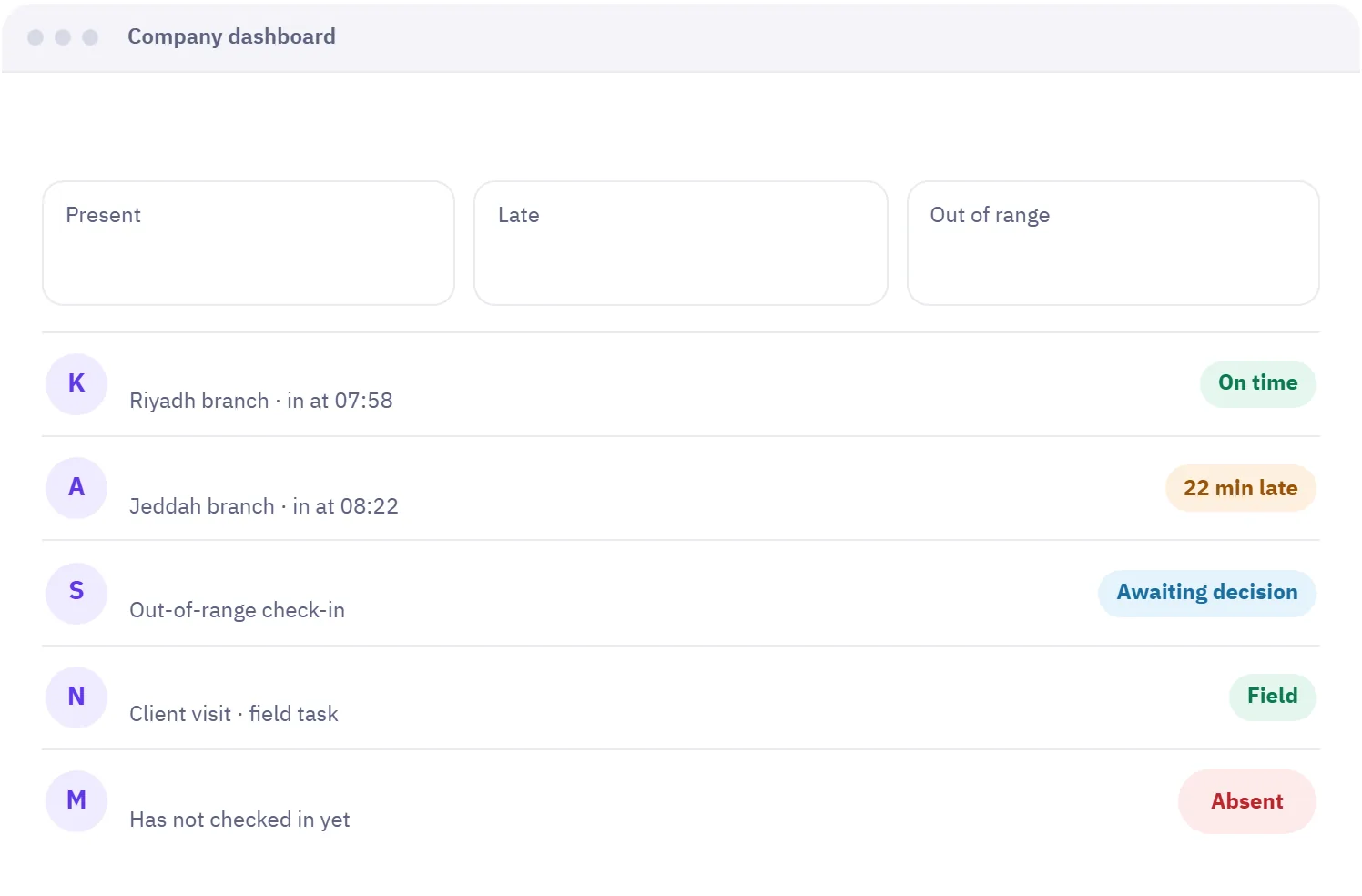
Company dashboard
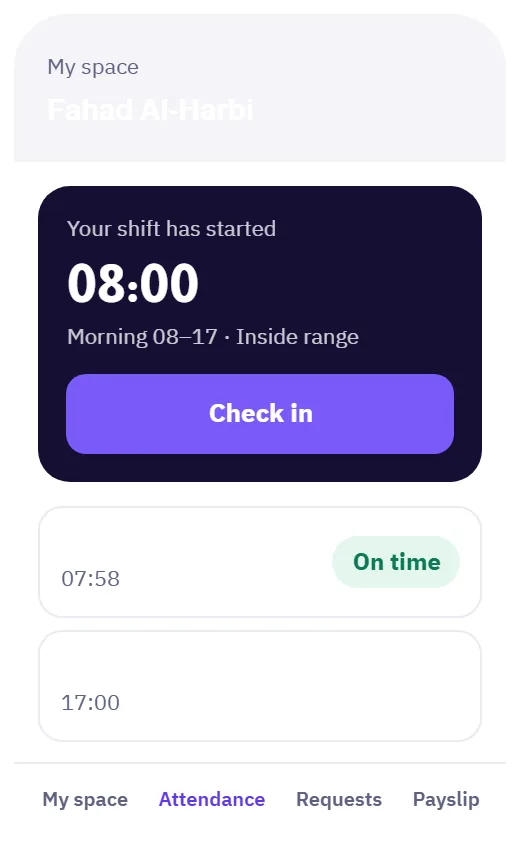
Employee app
You set a work location and a radius around it in Madar. When an employee taps check-in in the app, the system compares their position with that radius and accepts the check-in if they are inside. If they are outside, they can send an out-of-range request for approval.
You can bind each employee's account to their device and manage registered devices from the employee page. This reduces check-ins from any other device, and every record stays tied to the account, time and location.
They send an attendance correction request from the app with a reason. It goes to the approval route you chose, such as manager then HR, and once approved the day's record is updated and shows in reports.
Yes. You can record a field task for an employee, and their location is tracked during it only with their consent. If they decline, no location points are stored, and the field work itself stays on record.
Yes. Madar calculates late minutes, early leave and overtime against each employee's shift, and working hours drop automatically in Ramadan where they apply. Results appear in the attendance reports.
Fixed and rotating shifts, with swaps between colleagues by approval.
Learn about ShiftsEvery request reaches the right person through an approval route you define.
Learn about Requests & approvalsMonthly runs, verified payslips, and insurance and advances calculated for you.
Learn about PayrollNo credit card needed. Try every feature with your team, and if you need help setting up, we are on WhatsApp.
A free 20-minute consultation: we learn your team size and recommend the right setup. No commitment.