
Monthly payroll runs
The run is built from employee data and salary components, and partial months are prorated by the actual days in the month.
Madar payroll software starts from the attendance, leave and advance data already in the system, so the monthly run is built instead of retyped into spreadsheets. The employee's social insurance share and advance instalments are calculated, every employee gets a payslip verified with a QR code, and end-of-service gratuity is calculated when a contract ends.
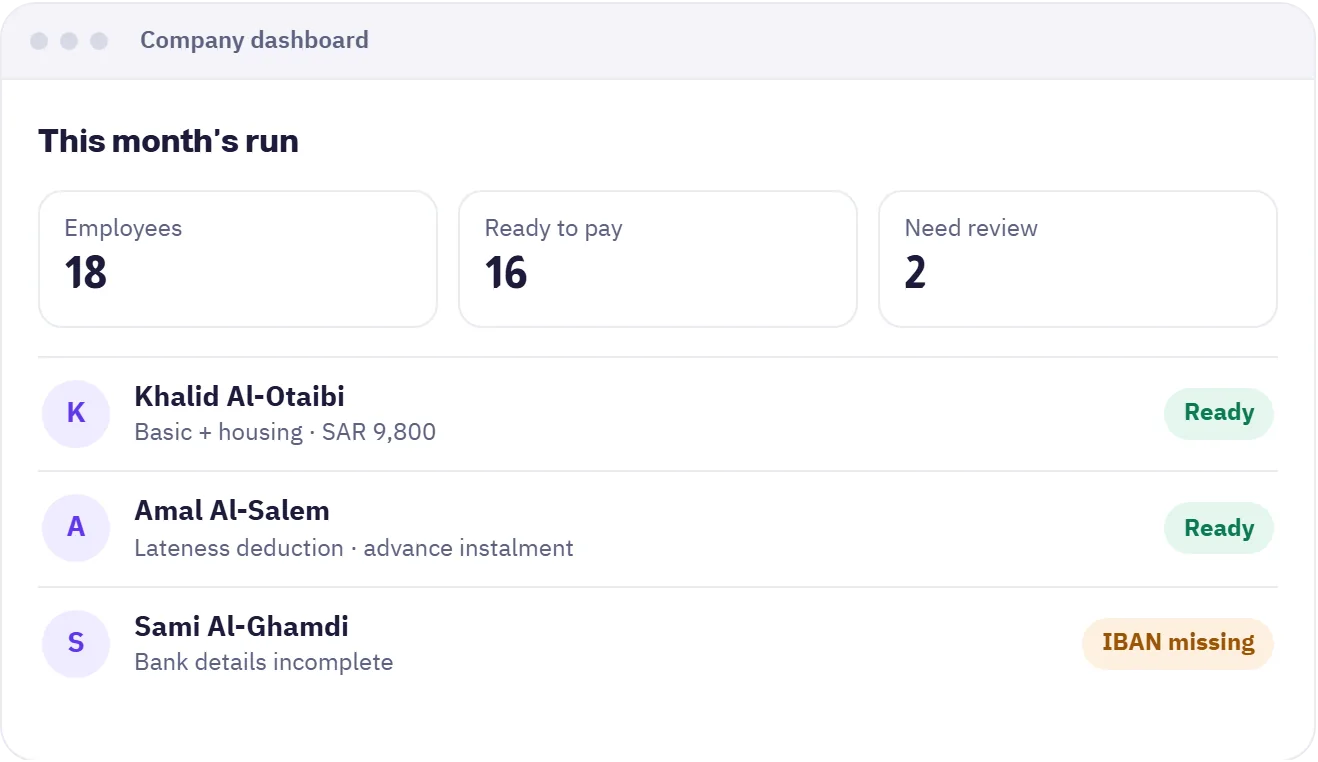

The run is built from employee data and salary components, and partial months are prorated by the actual days in the month.
The employee's share is calculated by their category and shows as its own line in the run and the payslip.
A detailed payslip of earnings, deductions and advances, which can be verified by scanning its QR code.
Prepare the disbursement record and the wages file for the bank, with a check that employee details are complete first.
An approved advance is split into instalments and deducted from the run, and each instalment shows on the payslip.
When service ends, the system calculates gratuity under Articles 84 and 85 of the Labor Law, with a preview before you confirm.
Record the basic salary, allowances and deductions for each employee.
The run gathers days, additions and advances, and you review what needs attention before approving.
Record the payment and each employee receives their payslip in the app.
The company dashboard for managers and HR, and the mobile app for employees.
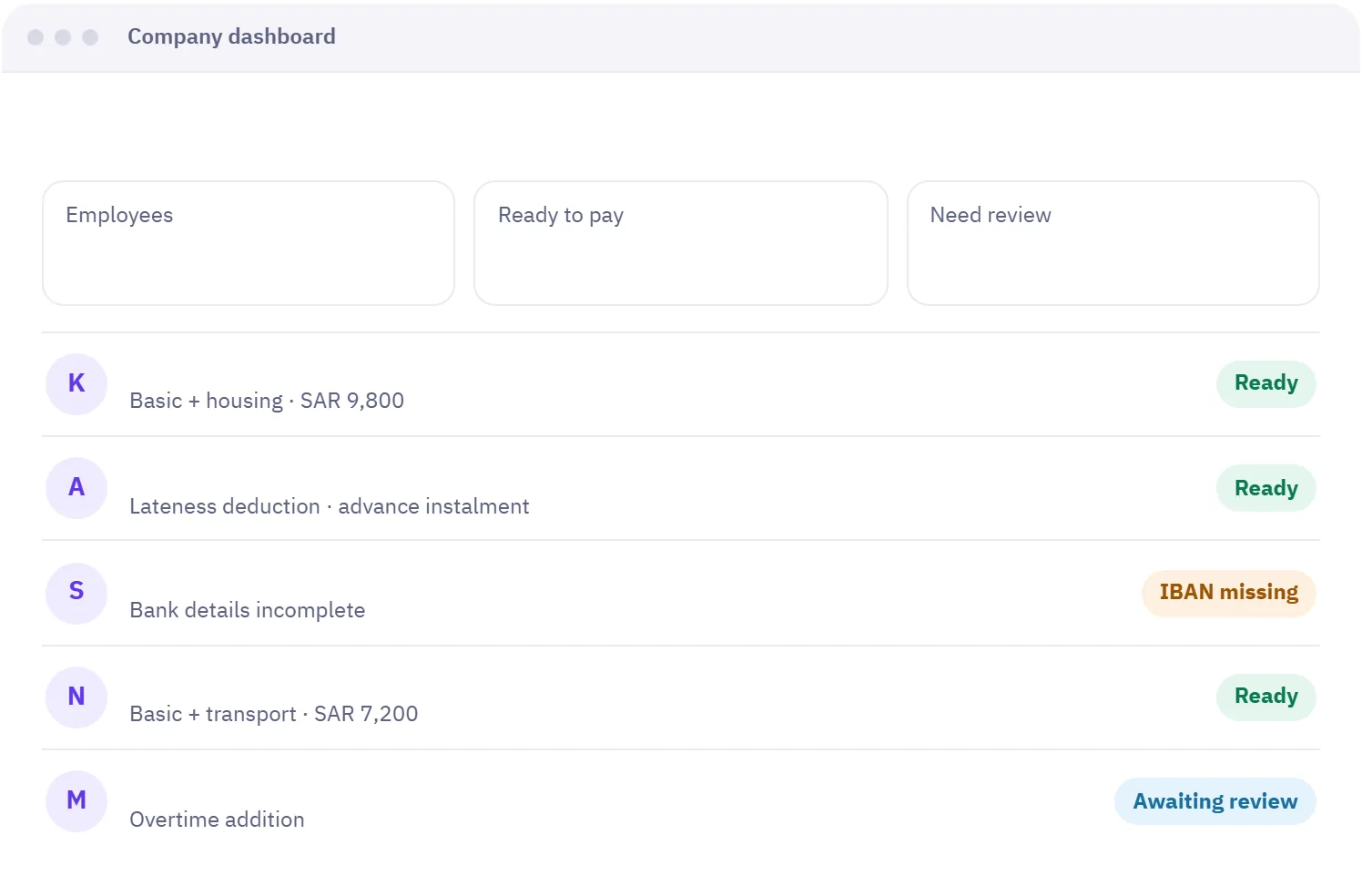
Company dashboard
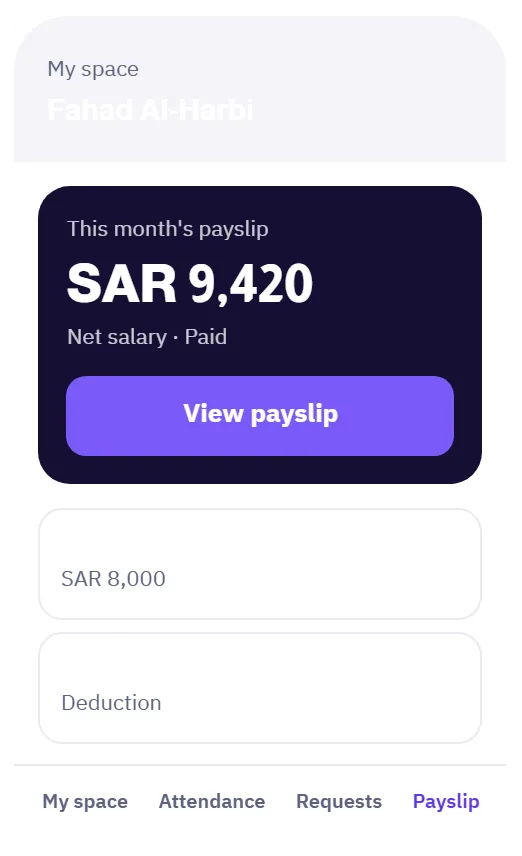
Employee app
You record each employee's basic salary, allowances and deductions, and the system builds the monthly run from them together with additions, deductions and advances. A partial month is prorated by the actual days in that month, and you review the run before approving it.
Yes, once you enable it in the payroll policy. The employee's share is calculated by their category and shows as a separate line in the run and payslip, so it is never added by hand twice.
It is a payslip that itemises earnings, deductions and advance instalments and carries a QR code. Scanning it opens a page confirming the payslip was issued by Madar and is still valid.
When an advance request is approved it is split over the agreed number of months and each instalment is deducted automatically in that month's run. The employee sees the instalment and the remaining balance on their payslip.
Yes. When an employee's service ends, the system calculates gratuity under Articles 84 and 85 of the Labor Law, based on length of service and the reason the contract ended, and shows it as a preview before you confirm.
Geofenced check-in, with lateness and overtime calculated automatically.
Learn about AttendanceTypes, balances and approval, with the balance shown to employees instantly.
Learn about LeavesEvery request reaches the right person through an approval route you define.
Learn about Requests & approvalsNo credit card needed. Try every feature with your team, and if you need help setting up, we are on WhatsApp.
A free 20-minute consultation: we learn your team size and recommend the right setup. No commitment.