
Leave types you define
Create the types your company uses and set the rules for each, including whether it is paid.
Madar leave management software handles your team's leave from request to approval: employees ask from the app and see their balance at once, the request reaches whoever approves it, and the balance is deducted automatically on approval. It applies the annual leave rule of the Saudi Labor Law: 21 days a year, rising to 30 after five years of service.
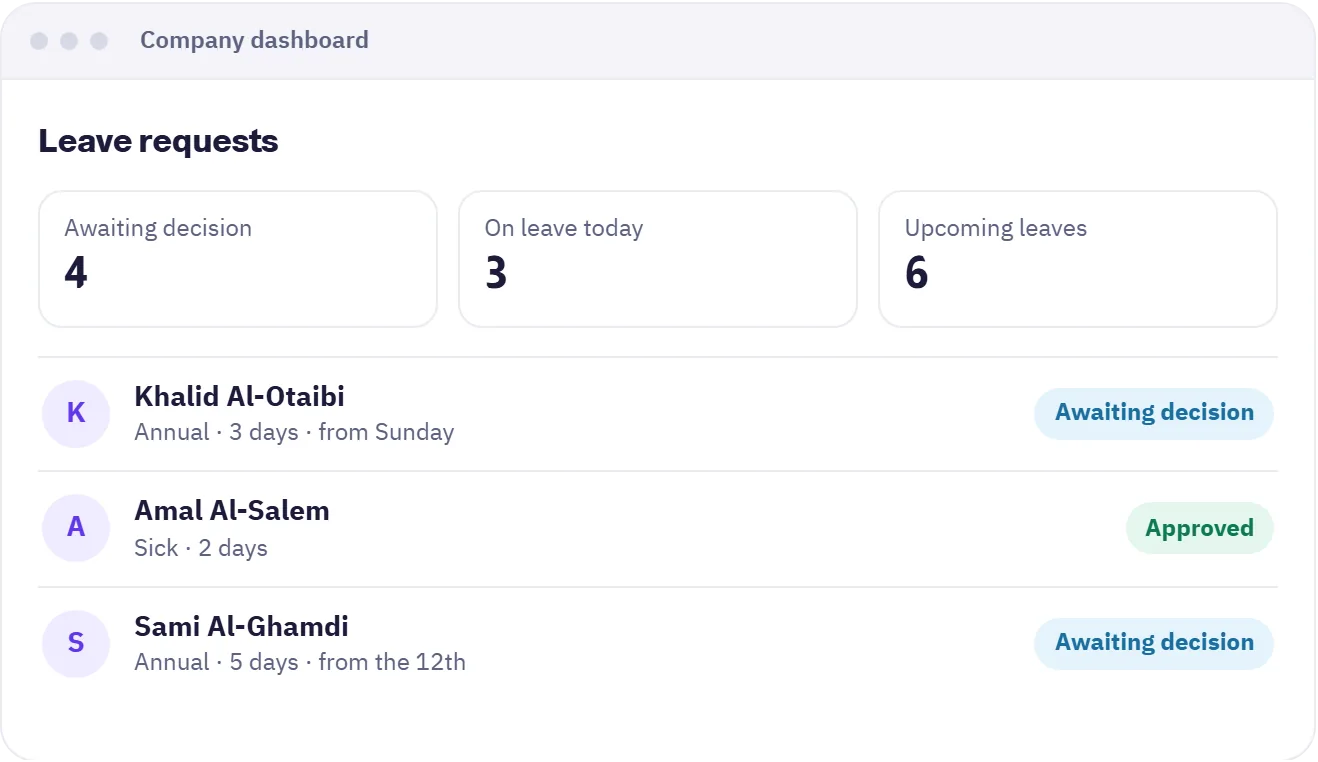

Create the types your company uses and set the rules for each, including whether it is paid.
21 days a year, rising to 30 after five years of service, with the remaining balance visible in the employee's app.
Sick days are counted per year, and requests beyond 30 days are flagged in the requests report.
When a manager is on leave, approvals move to their deputy for the length of that leave, so nothing stalls.
An approved leave can be cancelled or have days removed, and the balance returns automatically.
Export leave balances for all employees to Excel or PDF, with a flag when a public holiday falls inside the period.
Create leave types and decide who approves them and in what order.
They pick the type and dates and see the remaining balance before sending.
The approver decides, the balance is deducted and the employee is notified.
The company dashboard for managers and HR, and the mobile app for employees.
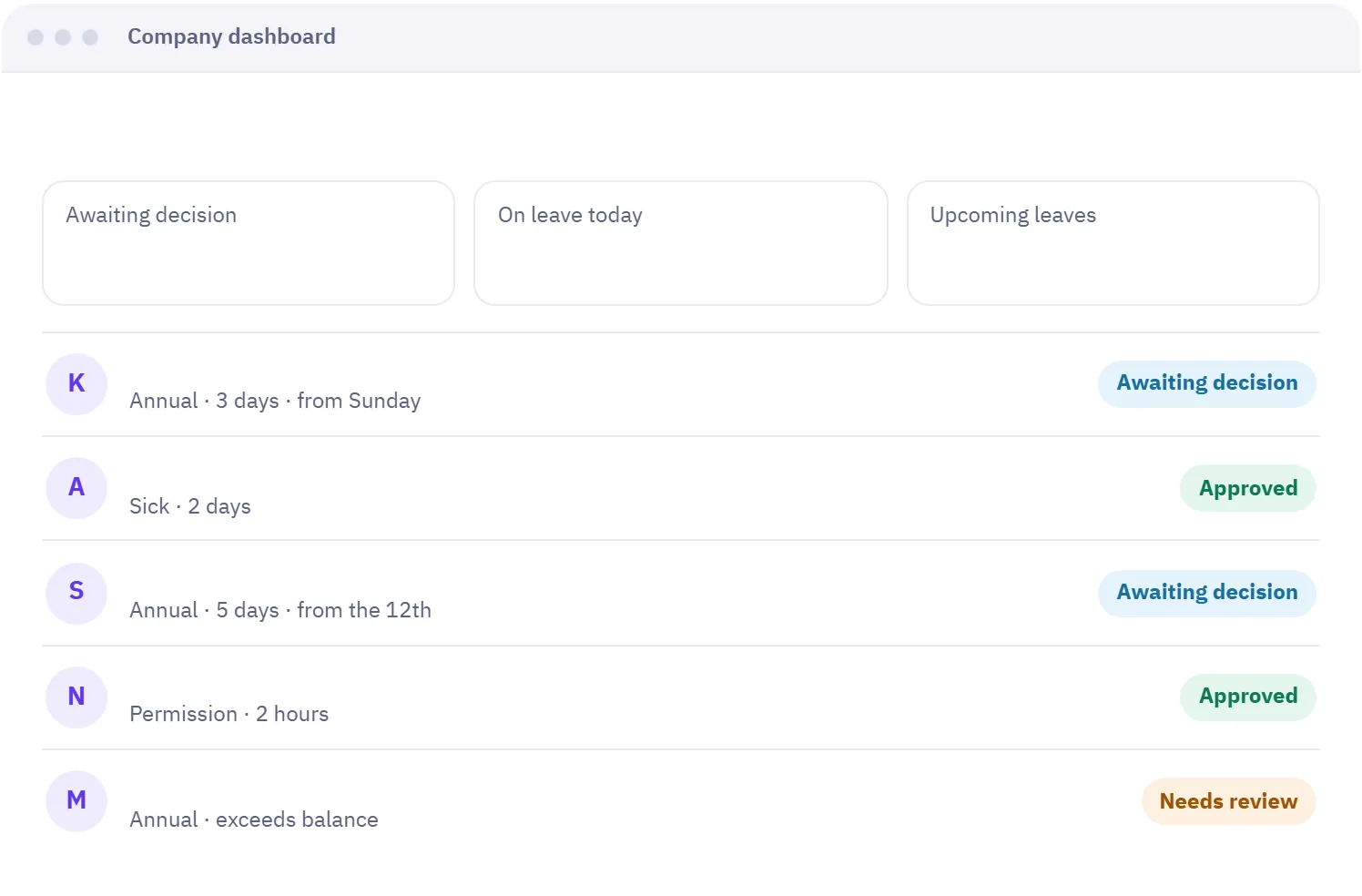
Company dashboard
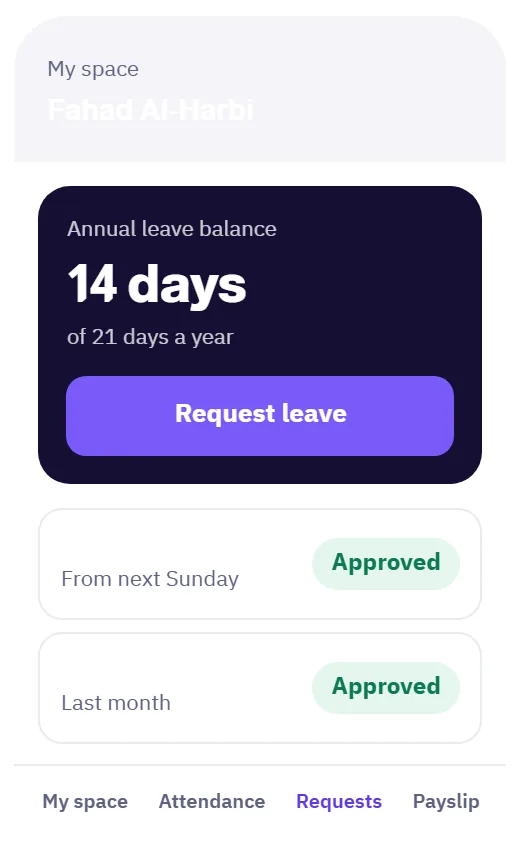
Employee app
Under the Saudi Labor Law, an employee gets 21 days of paid annual leave, rising to 30 days after five years of service with the same employer. Madar calculates the balance on this basis automatically and shows it to the employee.
Madar keeps each employee's balance and updates it with every approved or cancelled request. Open the balances report to see what each person has left, and export it to Excel or PDF when you need it.
Yes. You create the types you need and set each one's name, rules and category, such as annual or sick, and employees see them when they request.
When a manager's leave is approved, approvals can move to their deputy for the length of that leave and return afterwards. You can also assign a deputy manually for any period.
Yes. Employees can cancel their leave before it starts, and an administrator can remove days from it with a reason. In both cases the balance returns automatically.
Every request reaches the right person through an approval route you define.
Learn about Requests & approvalsGeofenced check-in, with lateness and overtime calculated automatically.
Learn about AttendanceMonthly runs, verified payslips, and insurance and advances calculated for you.
Learn about PayrollNo credit card needed. Try every feature with your team, and if you need help setting up, we are on WhatsApp.
A free 20-minute consultation: we learn your team size and recommend the right setup. No commitment.