
Shifts with their own days and hours
Each weekday can be switched on or off with its own hours, so you can define morning, evening or split schedules.
Shift scheduling in Madar lets you define your company's shifts and assign them to employees, whether the schedule is fixed or rotating. Employees see their week in the app and can ask to swap a shift with a colleague, which then goes for approval. Lateness and overtime are calculated against each day's shift.
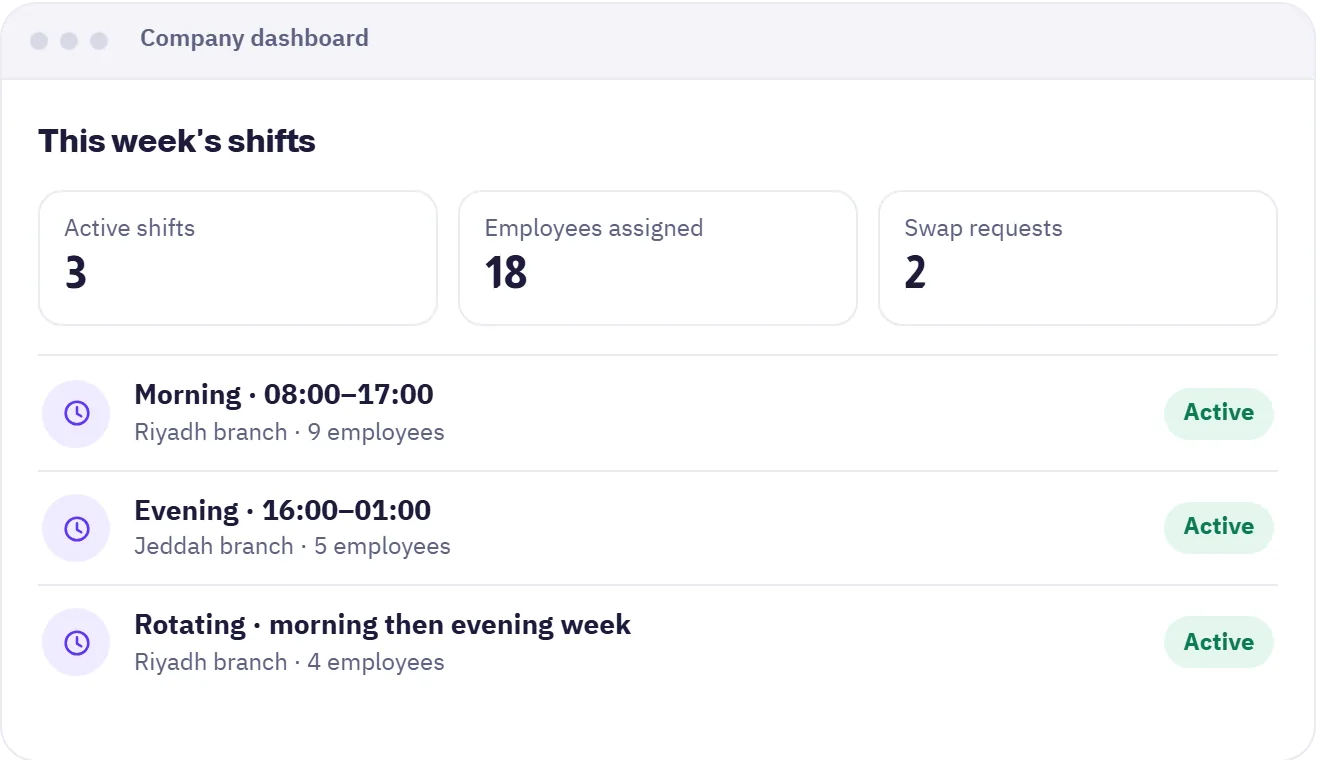

Each weekday can be switched on or off with its own hours, so you can define morning, evening or split schedules.
Schedules rotate across employees in a pattern you set, with no manual reshuffle every week.
The employee asks a colleague to swap, the colleague replies, then the request goes for approval.
Employees see their week in the app, and team managers know who works when.
Public and company holidays appear on the schedule, with Hijri and Gregorian dates.
Lateness, early leave and overtime are calculated against that day's shift.
Set the working days and hours of each shift, fixed or rotating.
Pick each employee's shift and the schedule appears for them straight away.
They follow their week in the app and send a swap request when needed.
The company dashboard for managers and HR, and the mobile app for employees.
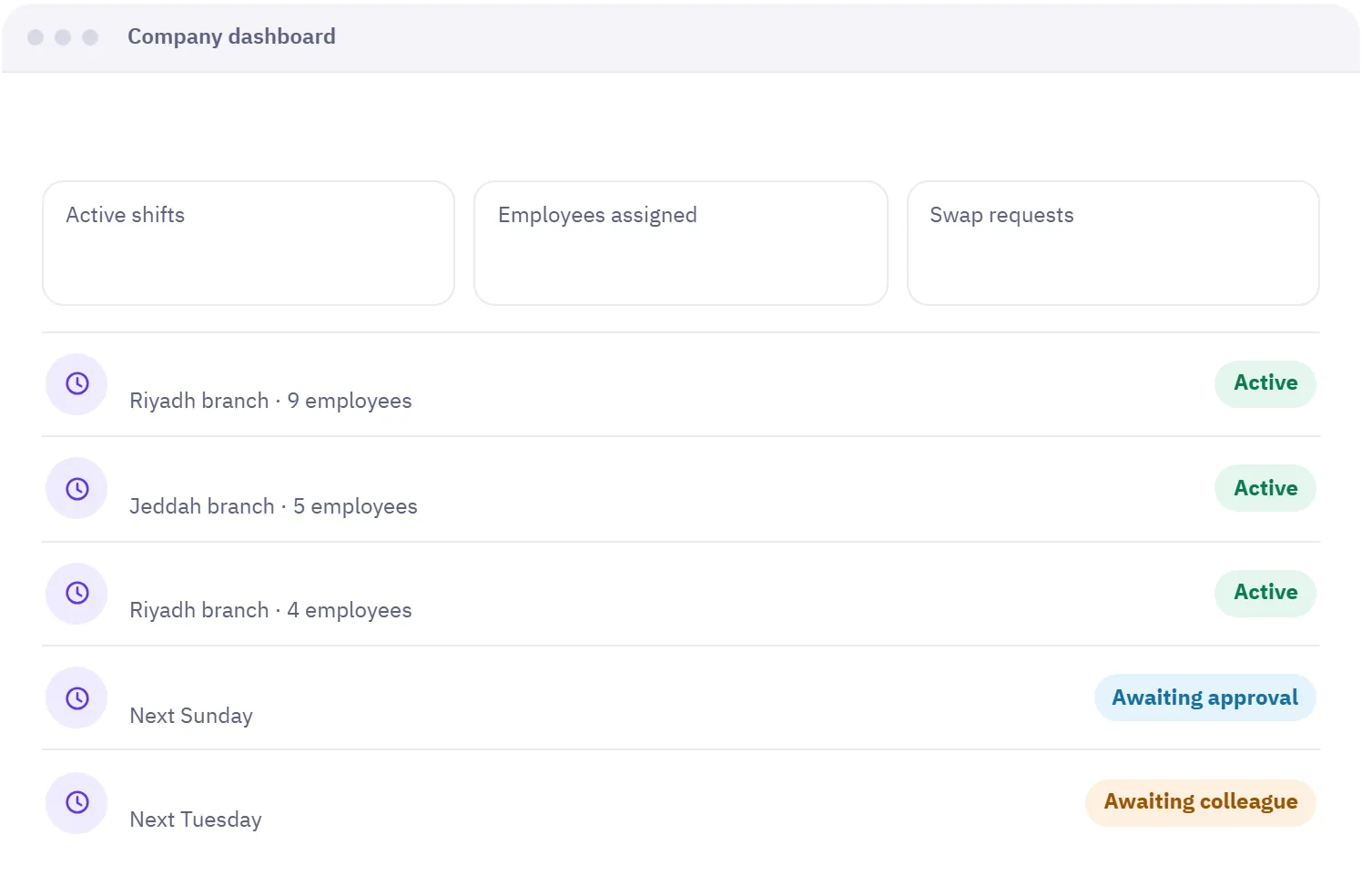
Company dashboard
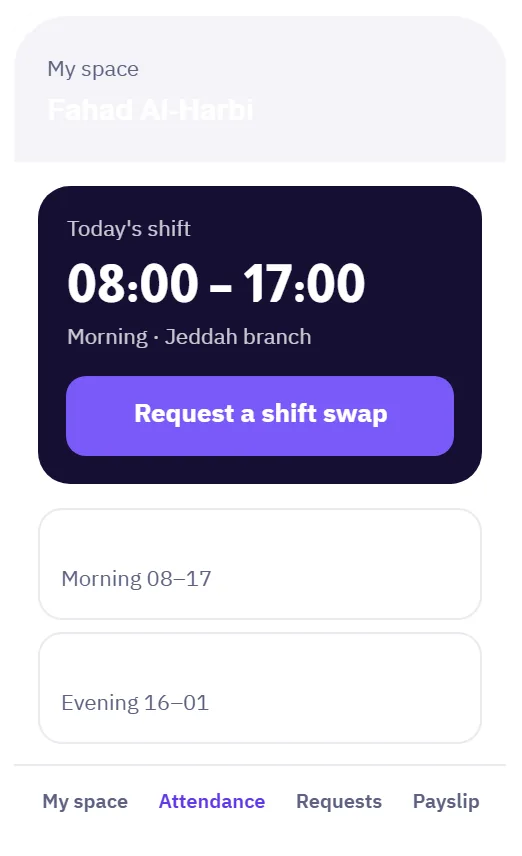
Employee app
A fixed shift stays with the employee every week with the same days and hours. A rotating shift moves between employees in a pattern you set, such as a morning week then an evening week, so you do not reassign people by hand.
Yes. You define as many shifts as you need and assign each employee the one that fits, and every employee sees their own schedule in the app.
The employee sends a swap request to a colleague for a specific date. The colleague replies first, then the request goes through the approval route. Once approved, both schedules change.
Yes. The employee app shows their week's shifts, and today's shift when they check in, with Hijri and Gregorian dates.
The system compares the employee's check-in time with that specific day's shift, calculates lateness, early leave and overtime from it, and shows the results in attendance reports.
Geofenced check-in, with lateness and overtime calculated automatically.
Learn about AttendanceEvery request reaches the right person through an approval route you define.
Learn about Requests & approvalsTypes, balances and approval, with the balance shown to employees instantly.
Learn about LeavesNo credit card needed. Try every feature with your team, and if you need help setting up, we are on WhatsApp.
A free 20-minute consultation: we learn your team size and recommend the right setup. No commitment.